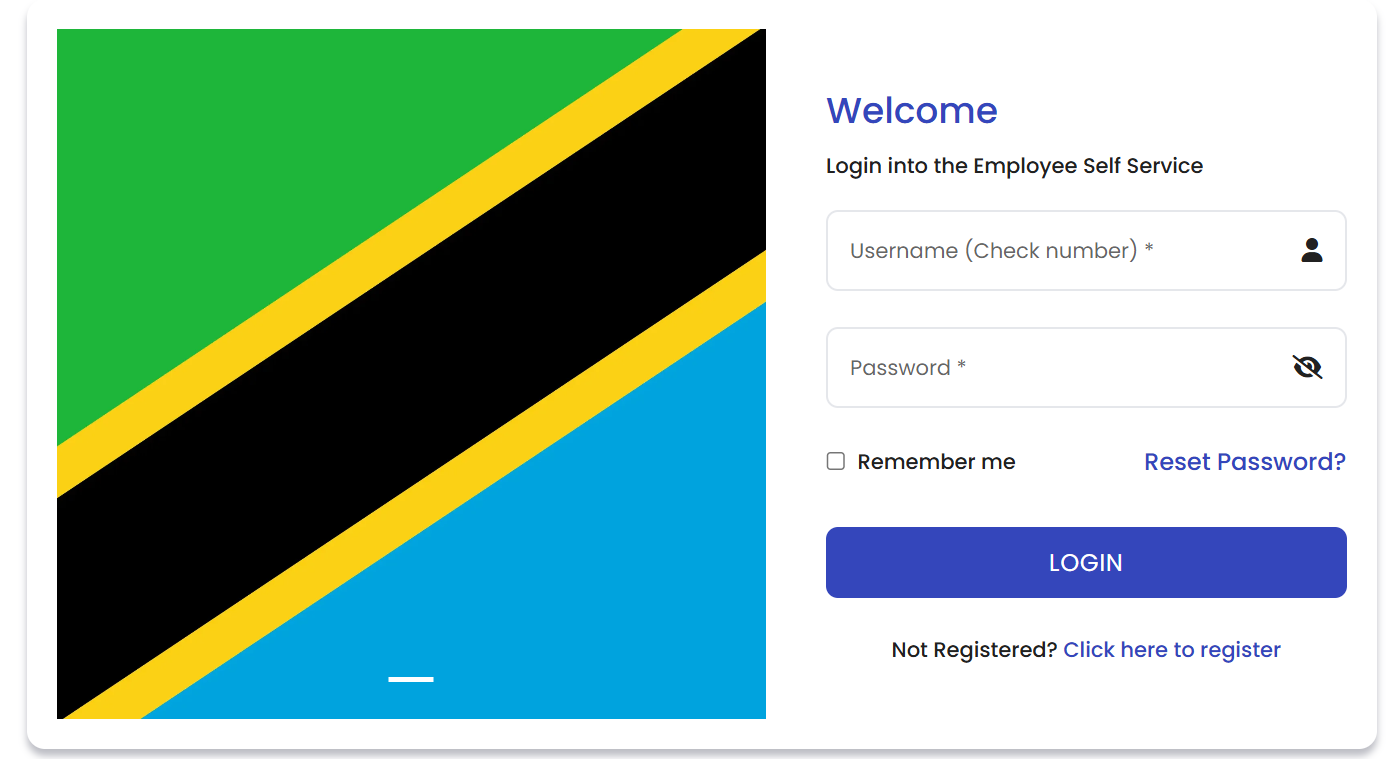
Checking your payslip on ESS Utumishi is quick once you're logged into your account. After logging in, go to your dashboard and locate the "Payslip" or "Salary" section from the main menu. Select the month and year for the payslip you want to view, and the system will display a detailed breakdown of your salary, including basic pay, allowances, deductions, and net pay. You can also download or print your payslip directly from ESS Utumishi for record-keeping purposes. If your payslip isn't showing or appears outdated, check that your employment status is active, and contact your HR department if the issue continues.